Replace a document once for everyone reviewing it
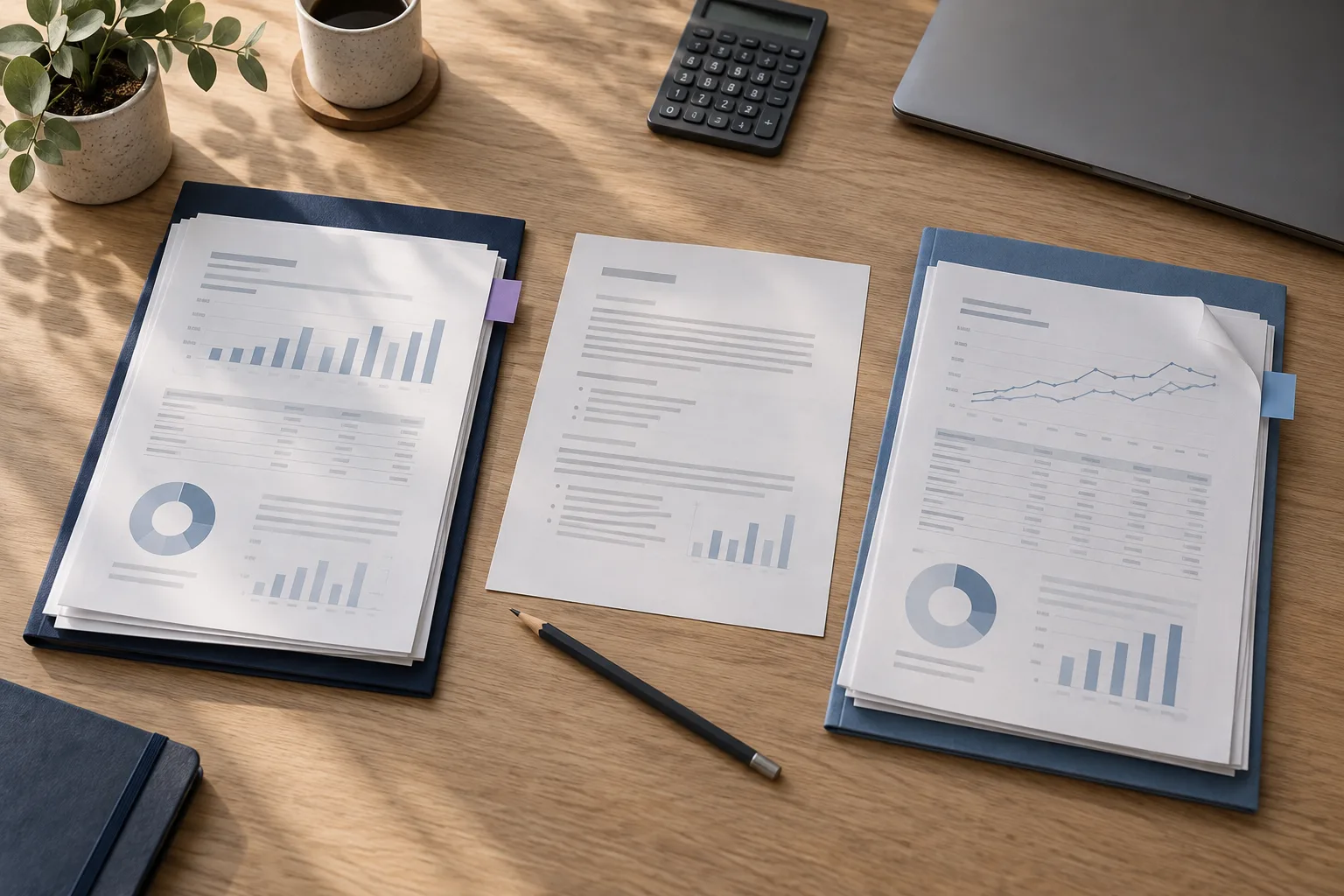
The revised financial report arrives the morning after you shared the old one. Replace it in your library. Each room sharing that report shows the new version when participants reopen or refresh, within the access each of them has. There's no separate upload for each audience, and earlier versions stay in the library's history.
When a new audience comes along, create a new room for it. Existing rooms stay connected to the files you already share with them, even as those files change.
Check new files and replacements separately
Use Replace File to update an existing document. Uploading a new file adds a separate document, so check which rooms and participants can see it.
After reorganizing documents, check room, group and individual permissions.
Help participants spot changes
Participants' rooms mark new and updated documents. If someone opened or downloaded a document that has since been replaced, a replacement notice tells them, so they know the copy they used may be out of date.
Downloaded copies don't update
A file someone saved to their device doesn't change when you update the library. It may also stay there after their room access ends. Point participants back to the maintained version in the room, and tell them when a revision needs them to act.
A simple update routine
Agree who keeps each document current. Check the revised file before you replace the old one, confirm who can see it and tell reviewers when a change needs their attention.
- Replace the existing document in its library.
- Check who can view or download it.
- Confirm the updated file appears in the right rooms.
- Tell the people affected about important changes.
Shared document revision log worksheet
Free to use and adapt. Keep your completed worksheet in your own project files.
Download Worksheet (.md)Track each replaced library document, the rooms that share it and who needs to be notified.
Record your setup
| Document | New version | Rooms sharing it | Notification sent |
|---|---|---|---|
| Management accounts | v2 | Investors, Buyer A | Yes |
| Technical survey | v3 | Buyer A, Lender | Pending |
Final checks before sharing
- Use Replace File on the existing library document so the version history stays on one file.
- Confirm which rooms and groups include the updated document.
- Remind reviewers who downloaded an earlier copy to check the online room.